If you want to change the presented view controller’s modelPresentationStyle according to size class, here ‘s a guideline for you.
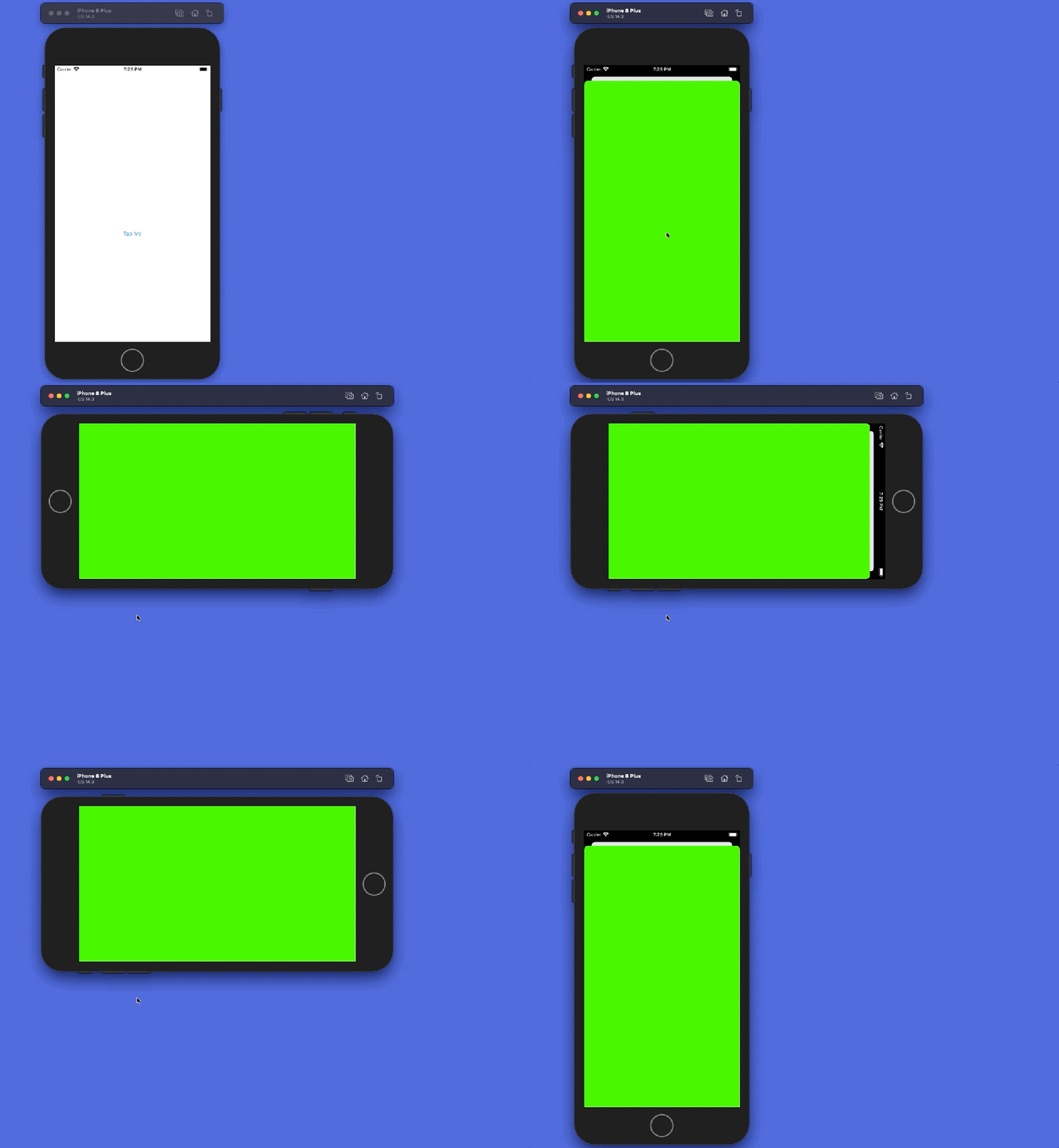
My setup is basic: I have a view controller and it has a button on it. When user taps on the button a new view controller is presented.
First you need to set presented view controller’s presentation controller delegate and then you need to implement adaptivePresentationStyle function. Show me code:
This file contains hidden or bidirectional Unicode text that may be interpreted or compiled differently than what appears below. To review, open the file in an editor that reveals hidden Unicode characters.
Learn more about bidirectional Unicode characters

 iOS Tricks